 Guidry
1 · Run and Jump
Sprint, crouch under a low bar (really crouch, or click the stick), jump gaps and climb onto ledges and crates.
Real VR. Made in GameMaker. Put it on and play.
Grab a shotgun and pump it with your own hand. Throw knives, pull grenade pins, duck robot fire and step through see-through portals. Seven timed stations in full virtual reality on your Quest, and a clock to beat.
Built with our new GameMaker VR Extension. Coming soon for developers: make your own VR games in GameMaker, in GML, for Meta Quest. Get told first ›
Free demo · Meta Quest 2 (tested), Quest 3, 3S and Pro · Android APK, 33.7 MB · Installed by sideloading (Developer Mode) · Free Guidry Games account needed to download
This is a test build. It may have bugs, and we'd love to hear how it runs on your headset.
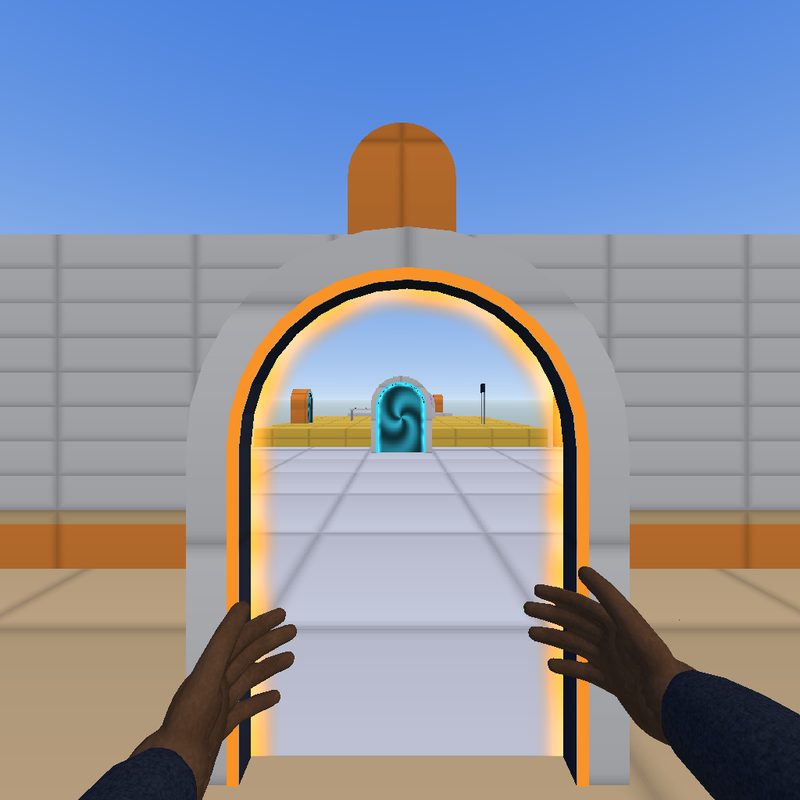
The clock runs from the start line to the finish, about four to six minutes a run. Each station can also be played on its own from Station Select.
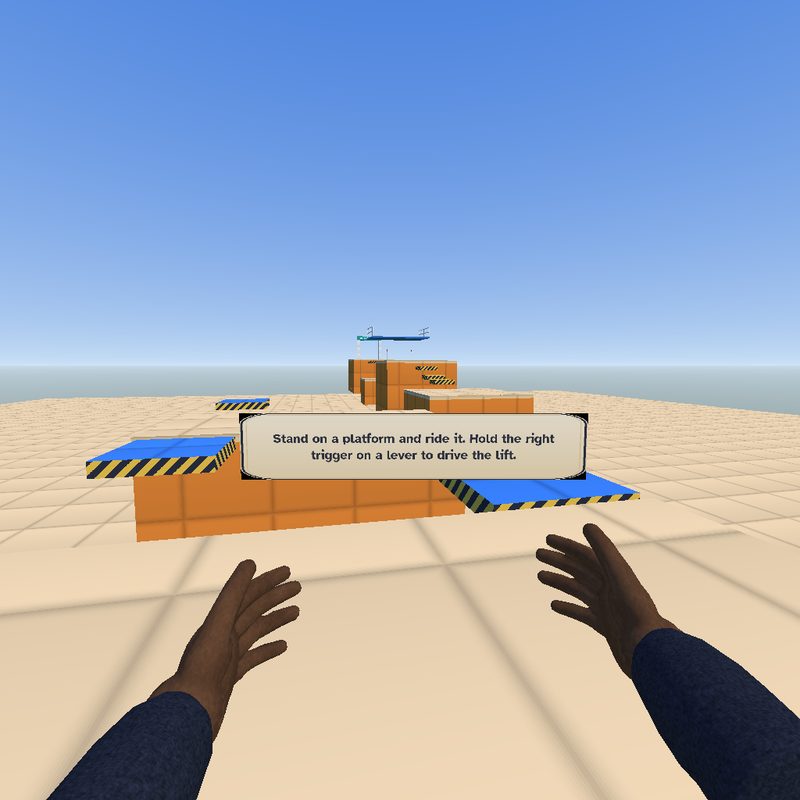
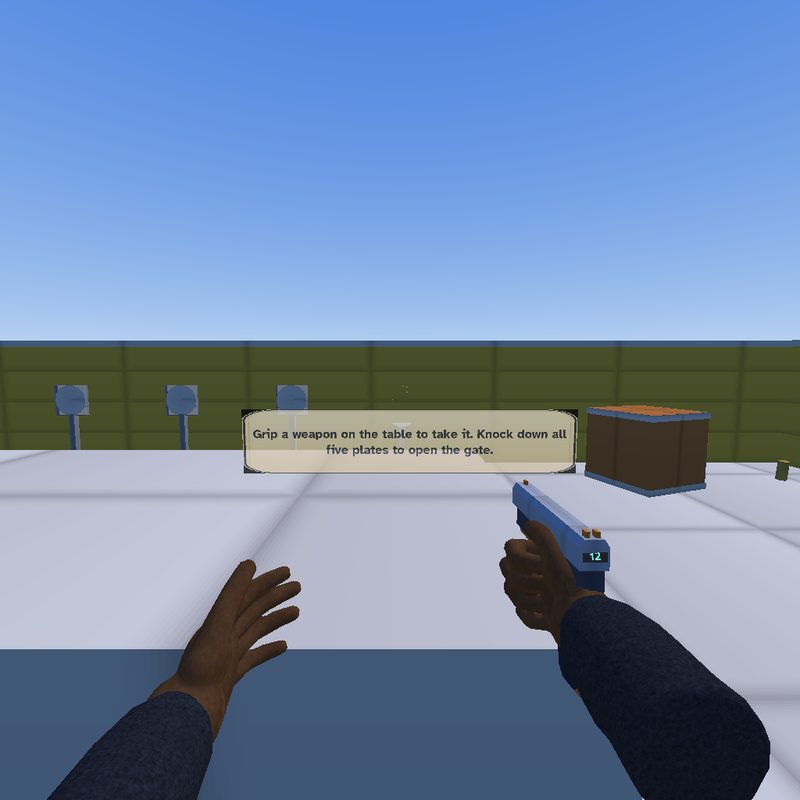
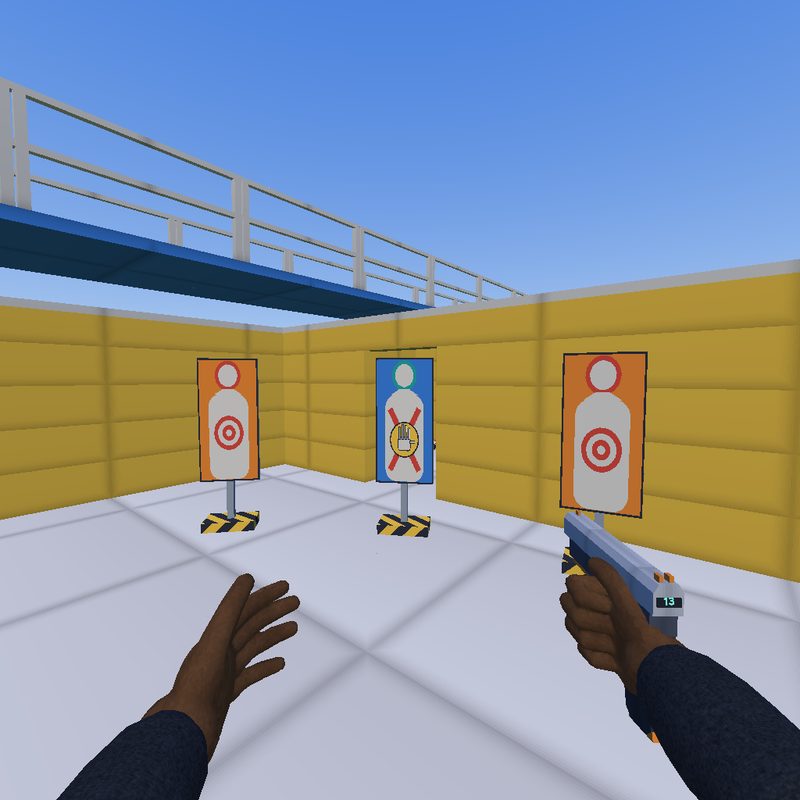
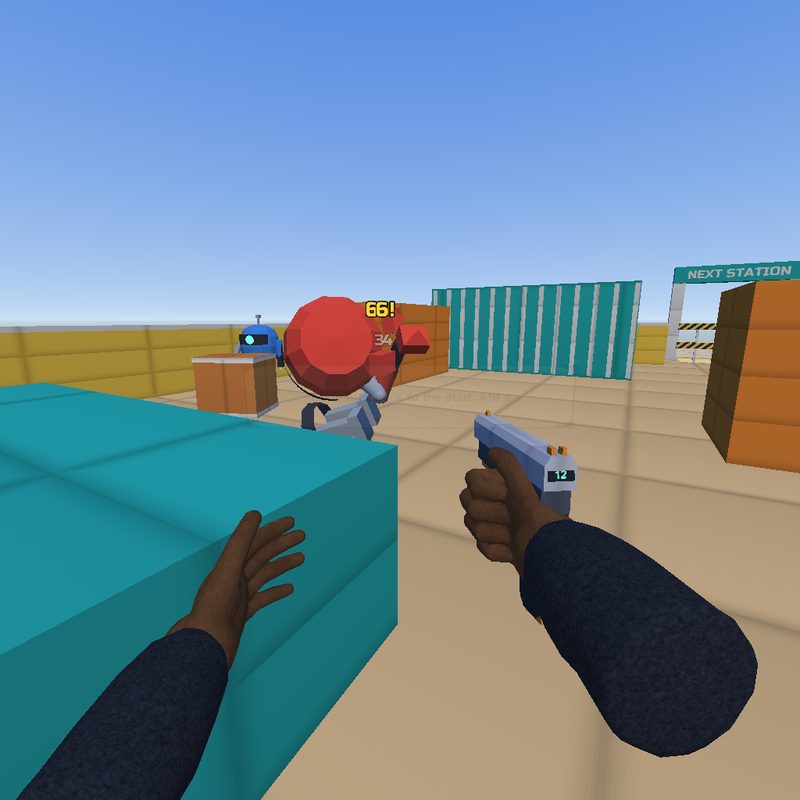
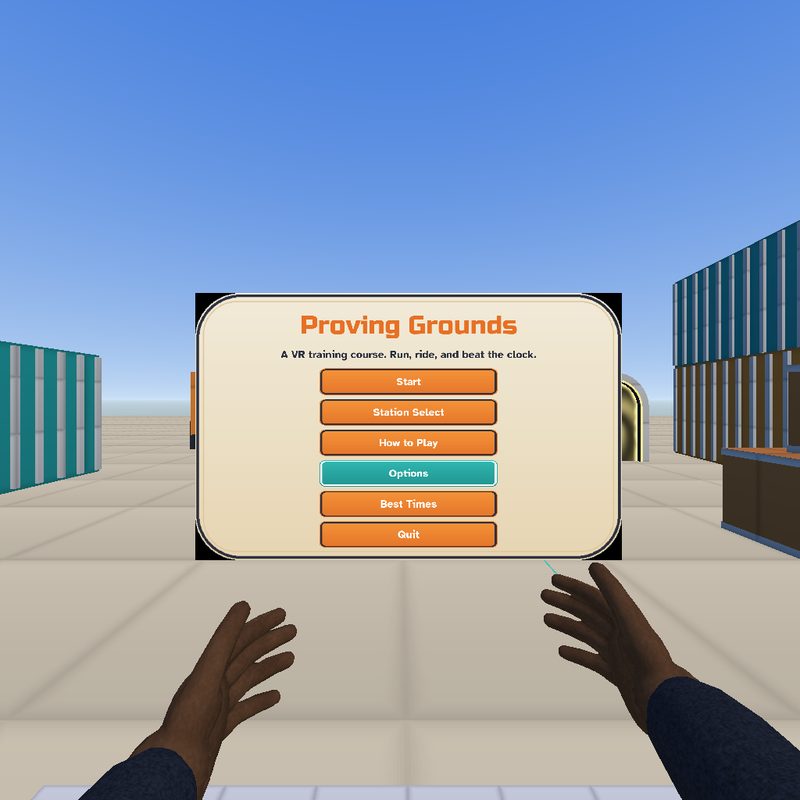
Pictures from the computer version we test with. In the headset you see the same rooms in full stereo 3D.
Sprint, crouch under a low bar (really crouch, or click the stick), jump gaps and climb onto ledges and crates.
Sliders, a pair to time your hop, a lift, a lift you drive with a lever, bobbing steps to climb, and one that moves up and across. They carry you smoothly.
Pistol, rifle (two hands), shotgun (pump it), throwing knives and grenades (pull the pin). Holsters on your body, reloading by hand, and a red dot, a 2x scope and a laser to fit.
Rooms and a catwalk full of pop-up targets with damage numbers, don't-shoots, targets moving on rails and one behind glass that breaks.
Round training robots patrol behind cover, peek out and fire slow glowing shots. Step aside, duck, or block them with your gun.
See-through portals: onto a high ledge, across a gap, and shots and throws through them. Then the Finish and your time for the run. Medals and a best-times board are on the way.
Comfort: snap or smooth turning, a comfort vignette, slower platforms, seated mode, your real floor height or one set by touch, and Easy Reload (one button). For teens and up: targets and robots break apart, nothing bleeds.
Proving Grounds is a standalone Android app: it runs on the headset itself, with no computer or cable while you play.
Reports from these headsets are very welcome.
They may work, but we haven't tried them. If you have one, please tell us how it goes.
You also need: the headset in Developer Mode (the demo isn't in the Meta store, so it's installed by sideloading), a computer (Mac, Windows or Linux) to install it from, and a USB cable that carries data. Many charging cables don't.
ProvingGrounds.apk onto its window.adb install ProvingGrounds.apkTo remove it later: Library › Unknown Sources › the three dots next to Proving Grounds › Uninstall.
The download is for members: create a free account or sign in to download it.
A free Guidry Games account is all it takes: no payment and no ads. We only use your email for your account (and the newsletter, if you choose it). See our Privacy Policy.
Proving Grounds is a free demo and still being worked on, so you may find bugs. Please tell us: which headset, how smooth it felt (any stutter?), how comfortable it was, and anything that broke. Email hello@guidrygames.com or see the Support page.
All of the game code is GameMaker (GML), running natively on the Quest through our own GameMaker VR Extension. Every room was laid out in Room 3D, our 3D level editor for GameMaker, and saved straight into the project. Room 3D is free to make with a free account.
Proving Grounds runs on our GameMaker VR Extension: native VR on Meta Quest from your own GameMaker project, with head and hand tracking, every button, haptics, comfort options and fast stereo rendering. It works hand in hand with Room 3D's VR tools, which put your rooms in the headset with one key. Neither is out yet: we'll be looking for GameMaker developers to test them soon. Sign up for the newsletter to hear first:
Yes. The demo is free, with no ads and no purchases. You only need a free account on this site to download it.
It's a demo and test build, so it's shared here and installed by sideloading. Developer Mode is Meta's own switch for that, and you can turn it off again later.
No. It's an Android app that runs on the headset itself, not a PC VR game. Install it on the headset and play it there.
Check your spam folder, then use “Send the link again” in the download box above (or on your account page).
Yes: turn on Seated Mode in Options. Snap turning, the comfort vignette and slower platforms are in Options too.