 Guidry
The bar
Record, Pause and Stop with a timer, the last-30-seconds button, options and Hide. Drag it anywhere; it remembers where. Keys F9, F10, F8 and F7 (change them if you like).
Assets › Tools
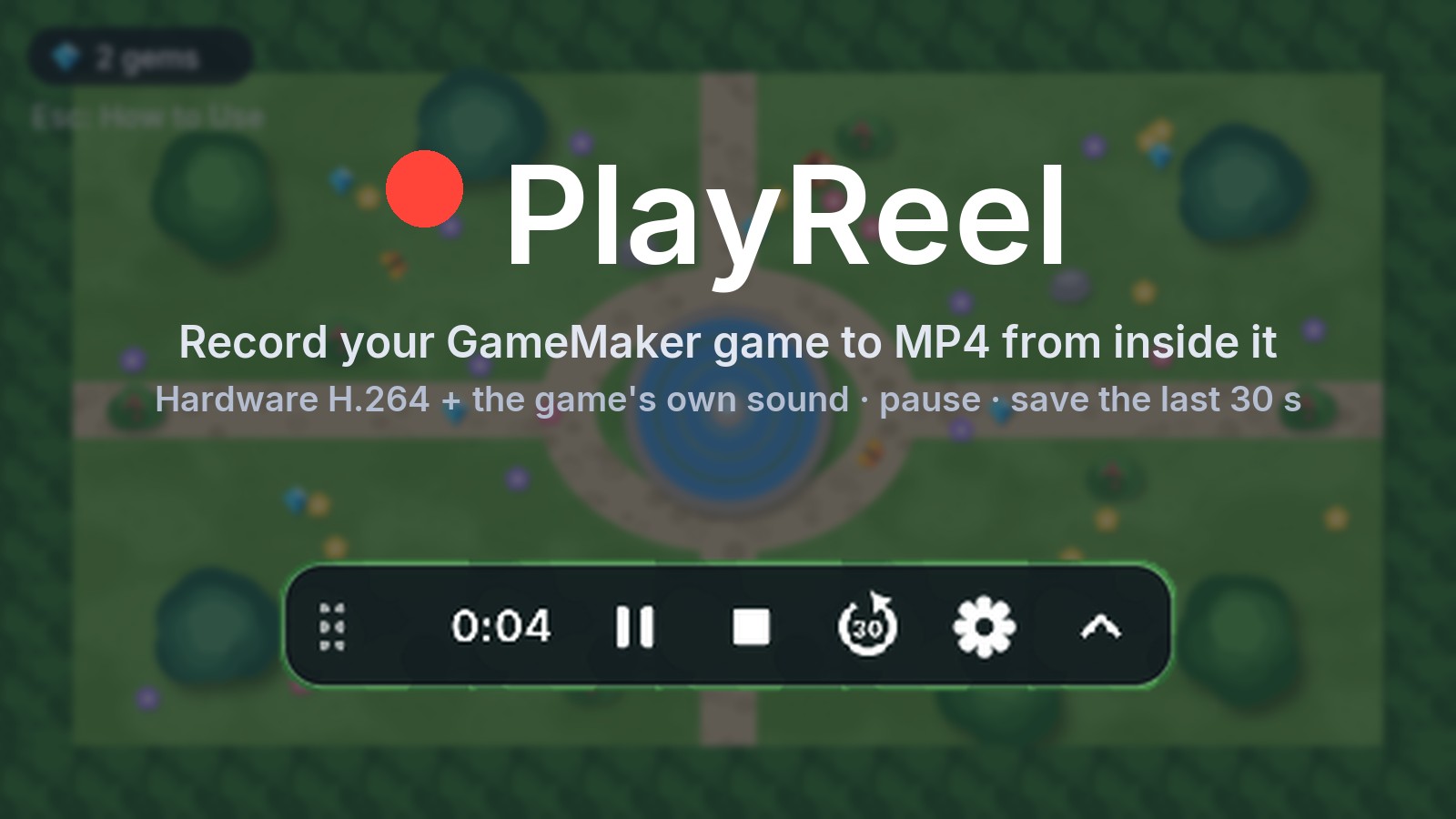
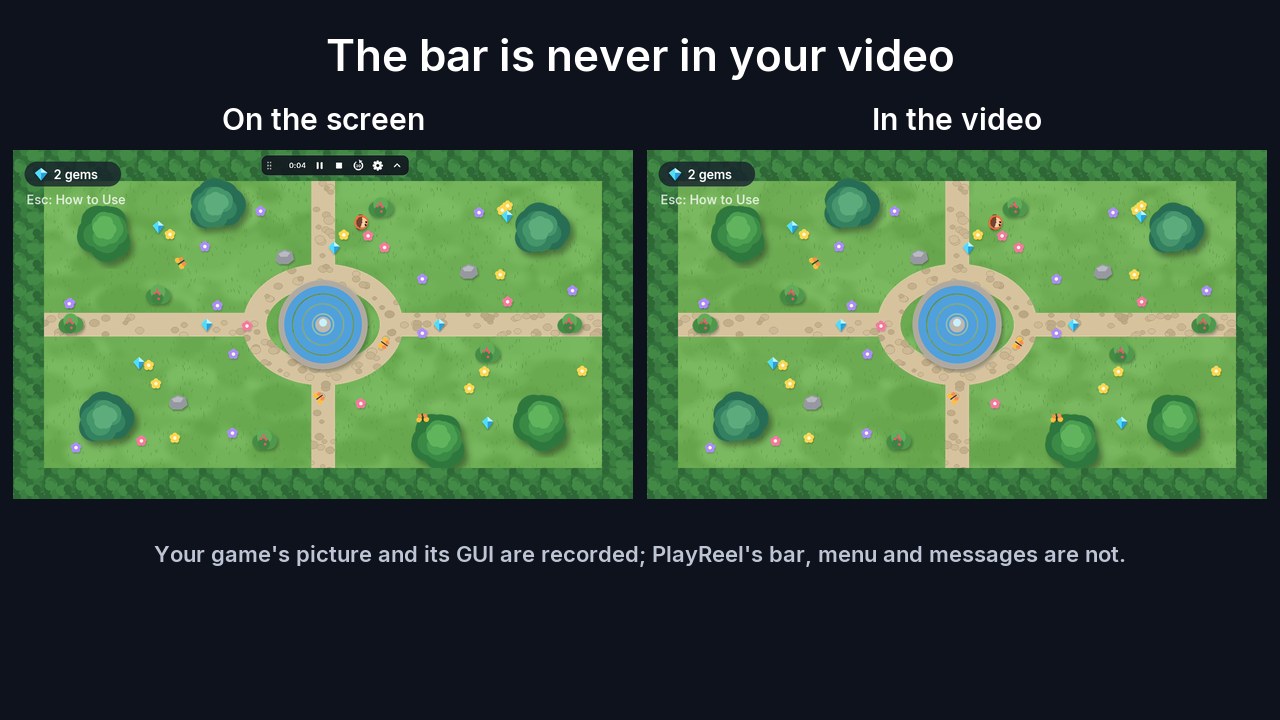
Record your GameMaker game to an MP4 video from inside the game. Add the extension, put one object in your first room and press F9: you get an H.264 video with the game's own sound, made by the computer's hardware video encoder while the game keeps its frame rate. A small floating bar gives you Record, Pause and Stop with a timer, and F8 saves the last 30 seconds, so you never miss the moment. The bar is never in the video; your game's picture and its GUI are. Comes with a demo project and a full guide.
This is straight out of PlayReel: the demo's hero walking round the garden, collecting gems, recorded at 1080p and 60 frames a second with its sound (muted here). On the screen the PlayReel bar sat at the top of the window the whole time; in the video it's nowhere. The HUD in the corner is the game's own Draw GUI, so it's recorded.
Click a picture to see it full size.
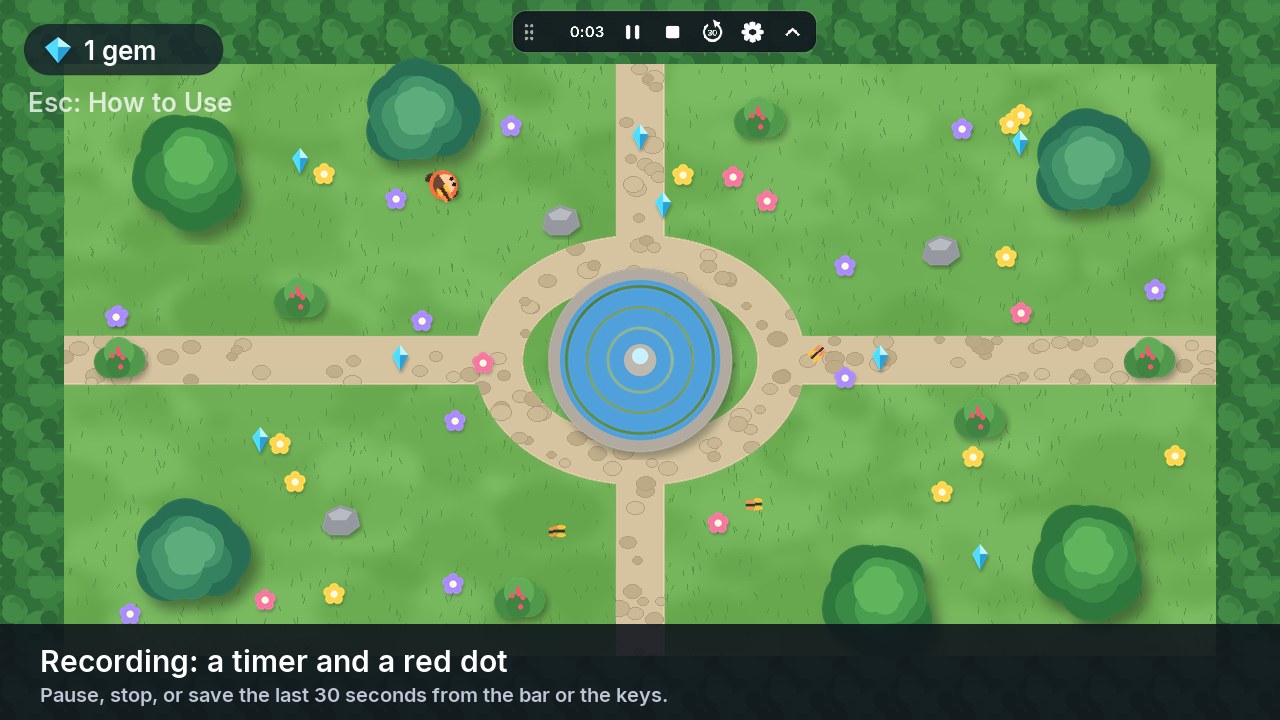
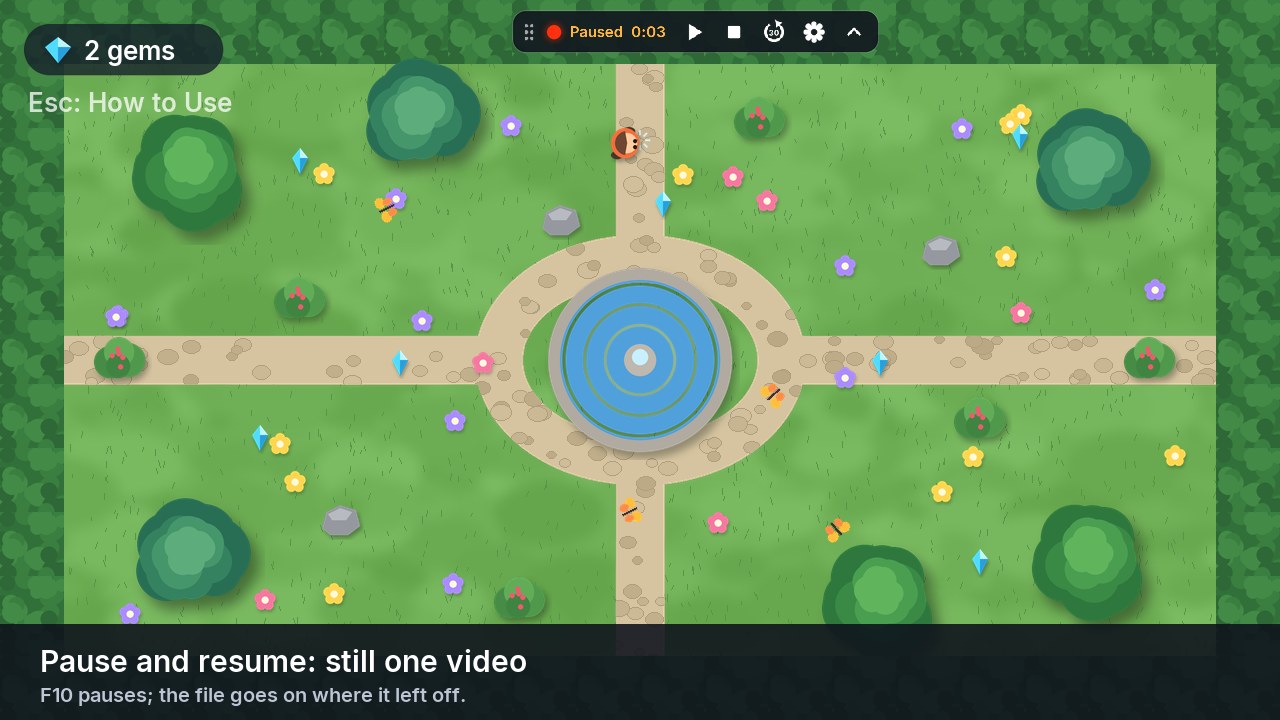
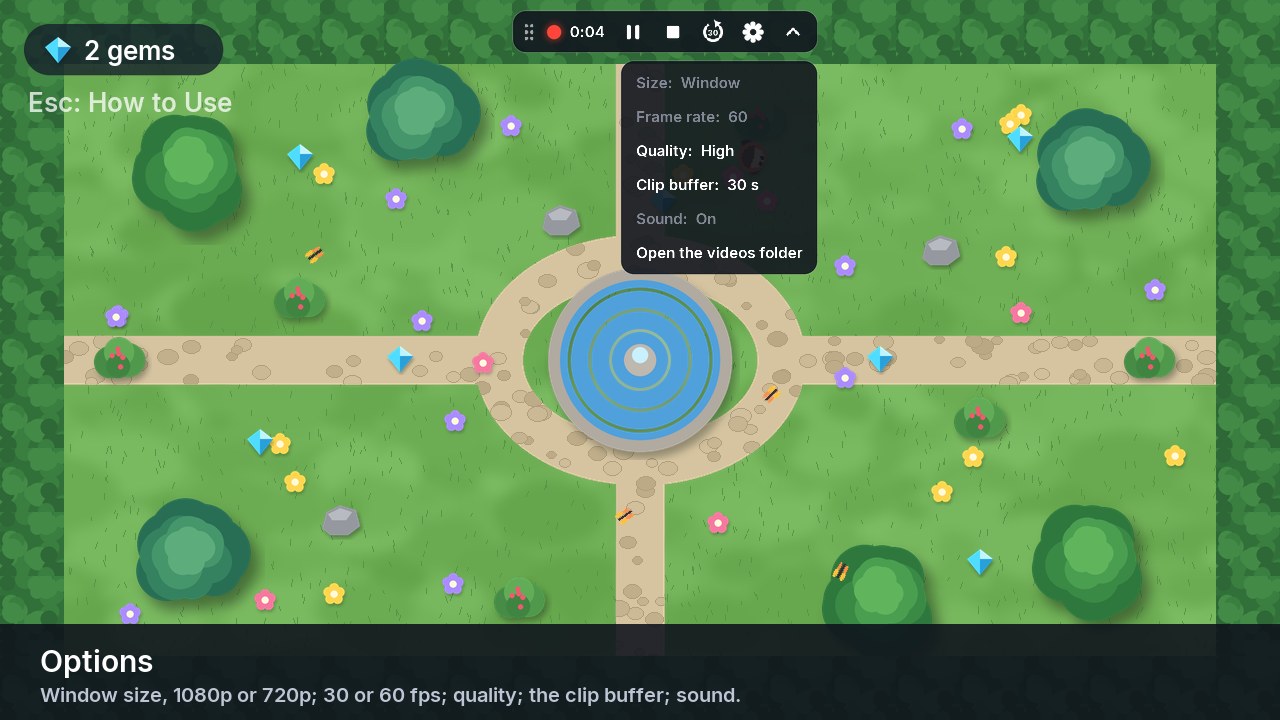
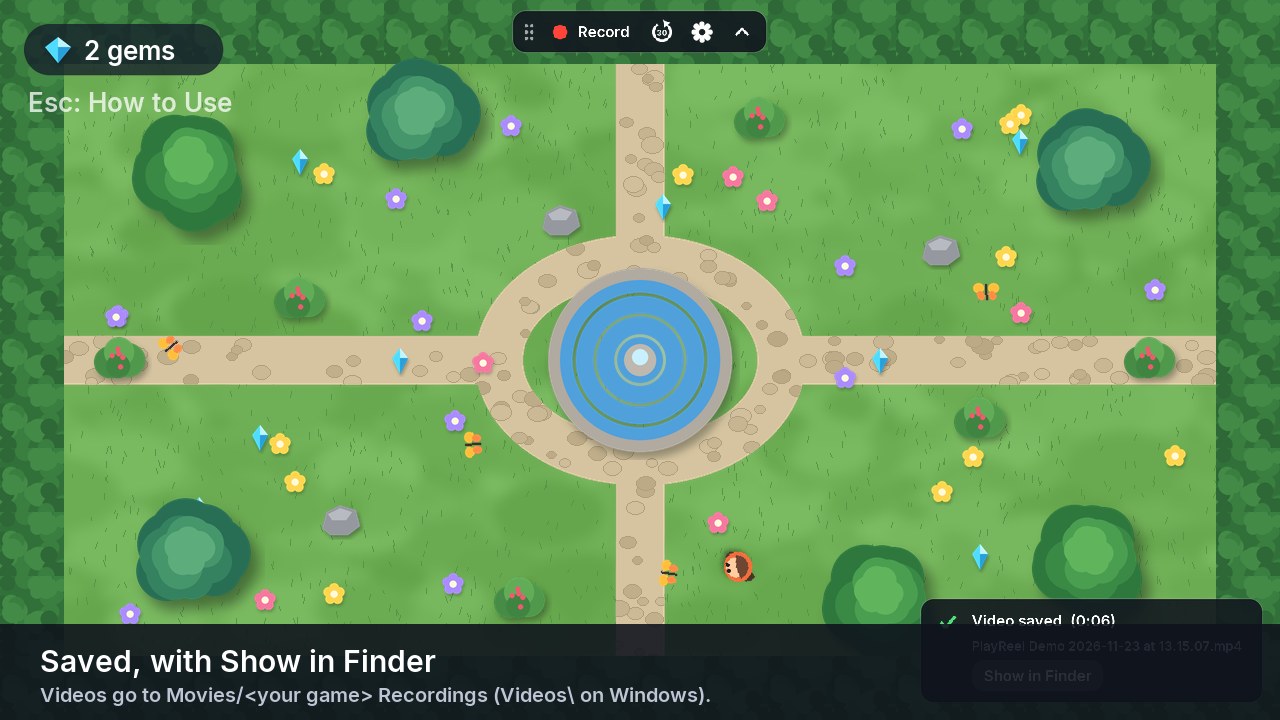
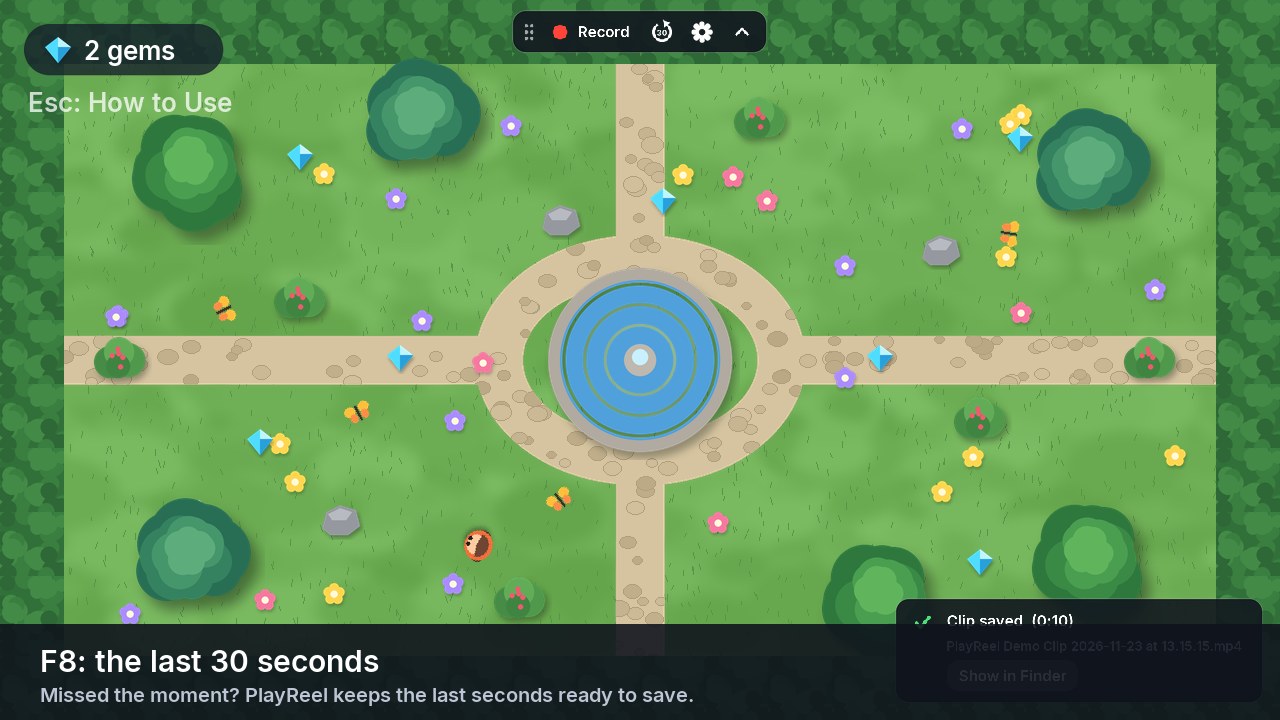
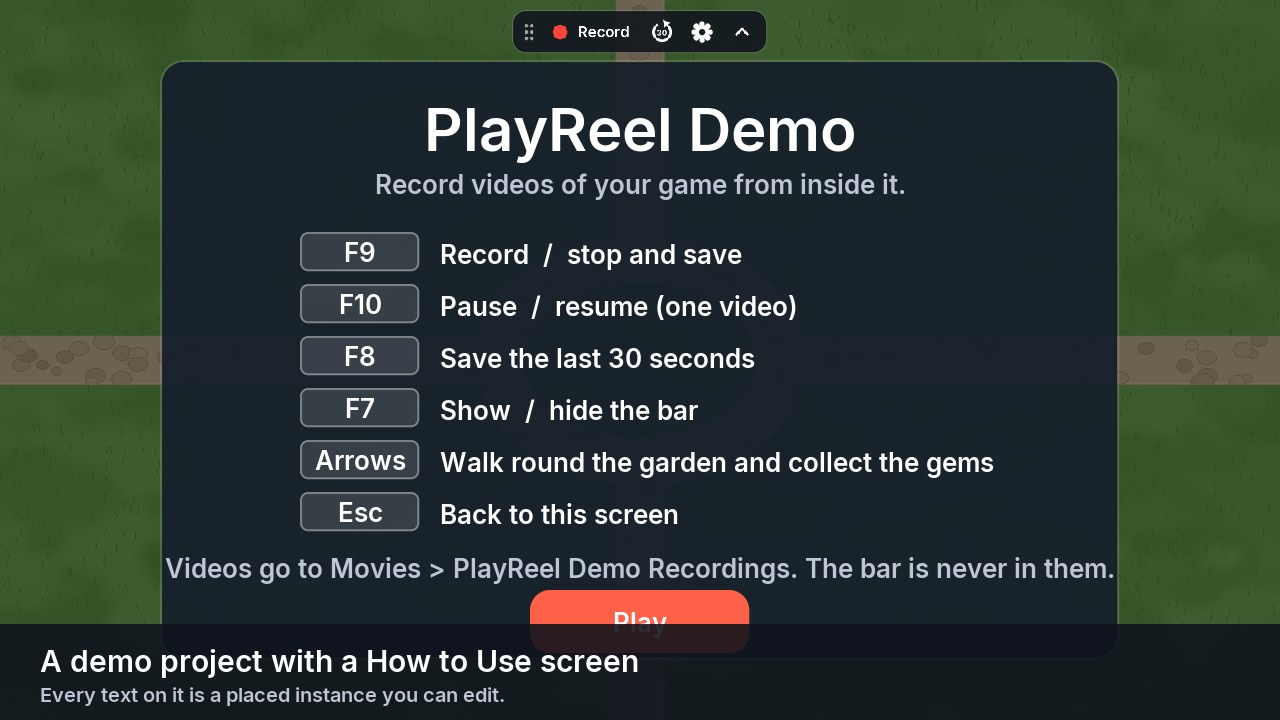
Record, Pause and Stop with a timer, the last-30-seconds button, options and Hide. Drag it anywhere; it remembers where. Keys F9, F10, F8 and F7 (change them if you like).
Hardware H.264 and AAC into an MP4 file, written on threads of its own. Frames are read from the game without waiting for the graphics card, so a 1080p60 recording costs about 0.4 ms of a frame on a Mac and about 1.9 ms on a Windows PC.
What your game plays, after its own volume: no microphone, no other apps, no system sounds, and no permission prompt.
The last 30 seconds (up to 300, or off) are kept ready while you play; F8 or playreel_clip(30) saves them as a video of their own.
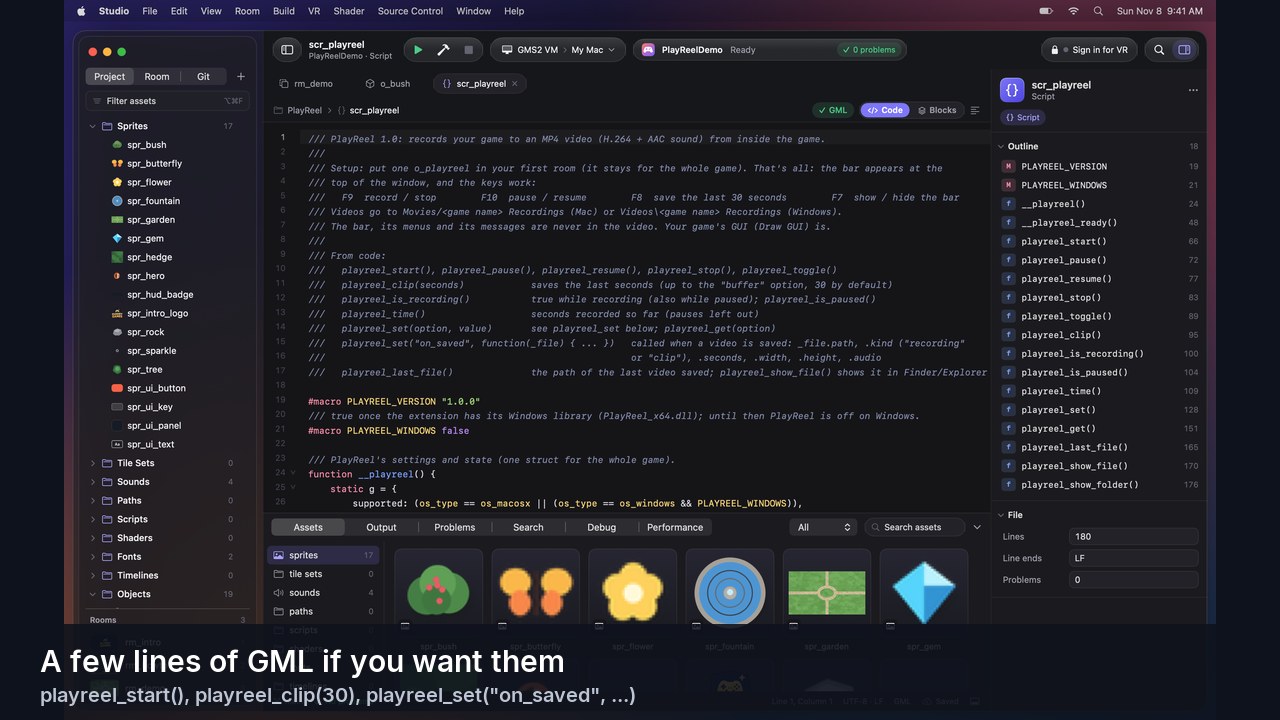
playreel_start, pause, resume, stop, clip, is_recording, time, set and get, and an on_saved callback with the file's path, length and size.
A small garden to walk round with sounds and a gem counter in Draw GUI, the bar, and a How to Use screen made of placed instances.
The full terms are in the download (LICENSE.txt).
Leave your email and we'll tell you when PlayReel is out, with a launch discount.
No. PlayReel takes each frame before it draws the bar, its menu and its messages. Your game's own picture and its Draw GUI layer (HUD, menus) are recorded.
No. The pictures come from inside your game and the sound from your game's own output, so neither macOS nor Windows asks for anything.
Hardly: about 0.4 ms of a frame at 1080p60 on a Mac mini M4 Pro (0.3 ms at 720p30), and about 1.9 ms at 1080p60 on a Windows PC (Core Ultra 9, RTX 5060); the game held 60 fps throughout. The encoding is done by the hardware video encoder on threads of its own.
Included. Windows 10 (version 2004) and newer, 64-bit. PlayReel uses the graphics card's hardware encoder (with Windows' own software encoder as the fallback) and records the game's own sound, with no permission prompt. A 1080p60 recording costs about 1.9 ms of a frame on our test PC; the game held 60 fps.
Yes: ship it inside your game and let players record. Or leave o_playreel out of release builds. Either way is fine under the licence.
Yes: PlayReel is free in Studio Pro. On its own it's $4.99.
In the download (GUIDE.md) and on the PlayReel help page.
Sign in before you buy. Right after checkout, the download appears on your account page, and it stays there.
Write to us from the About page and we'll sort it out.