
Wickerpine 3D

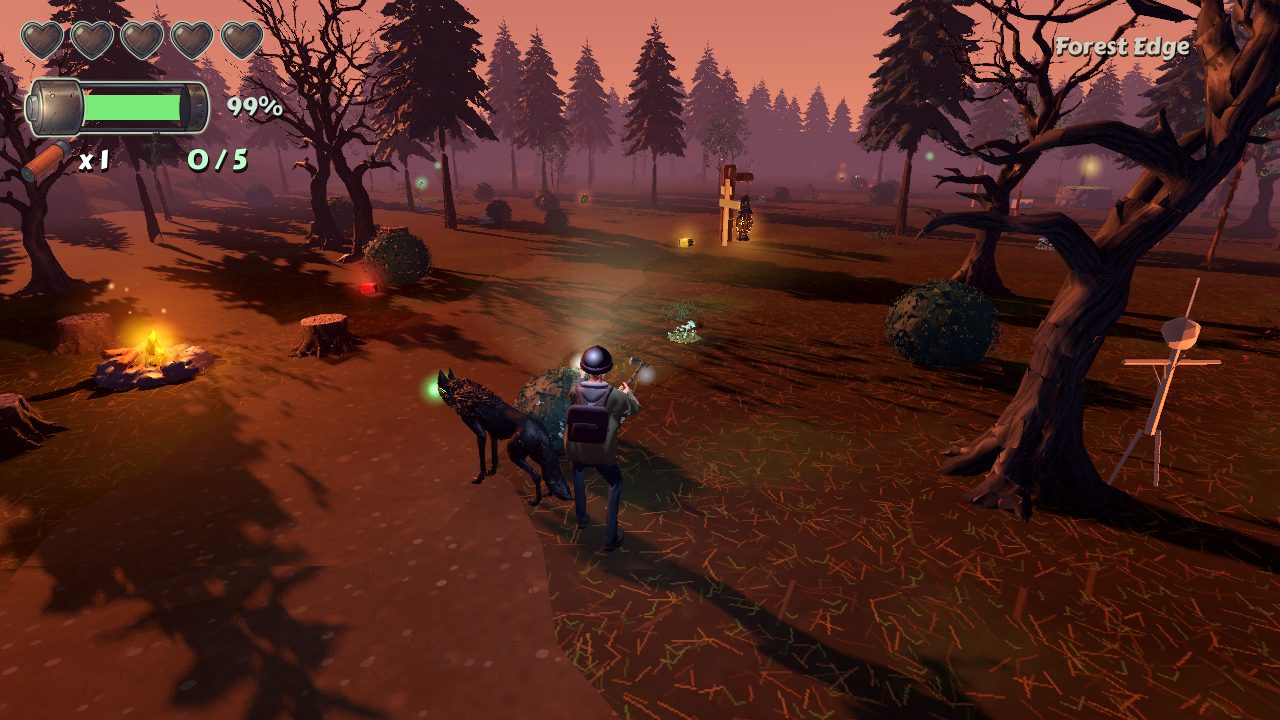
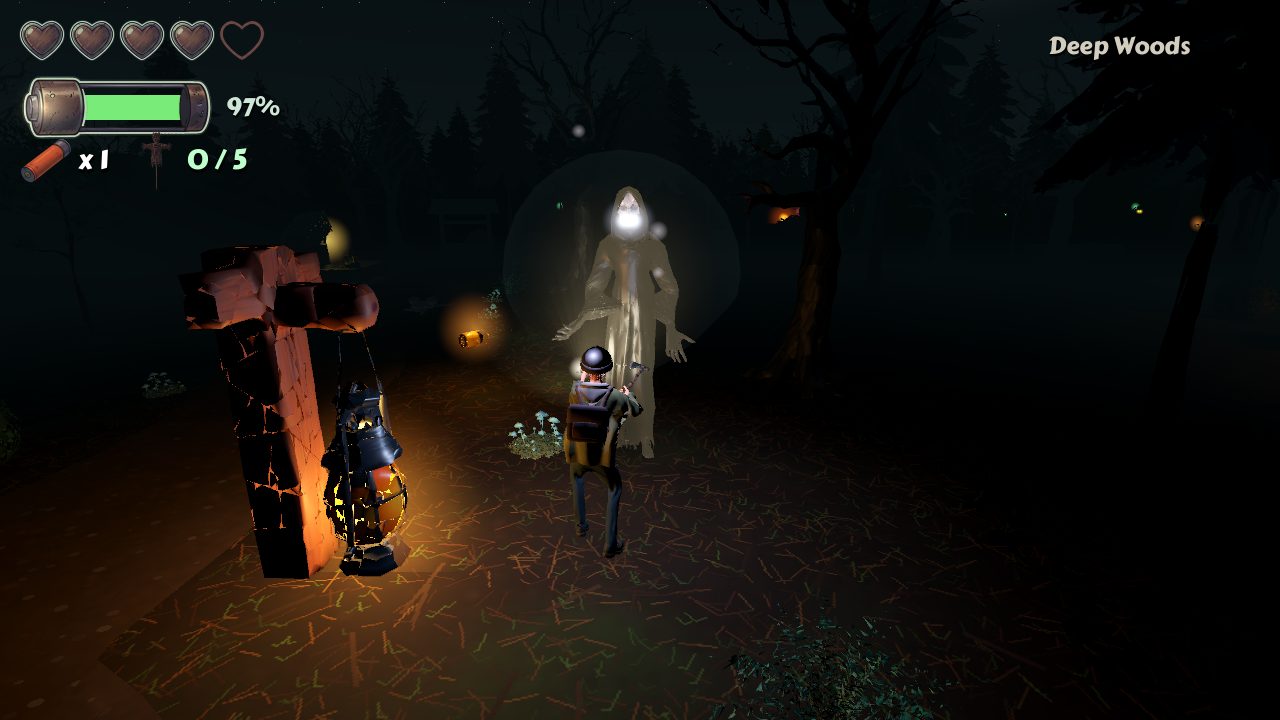
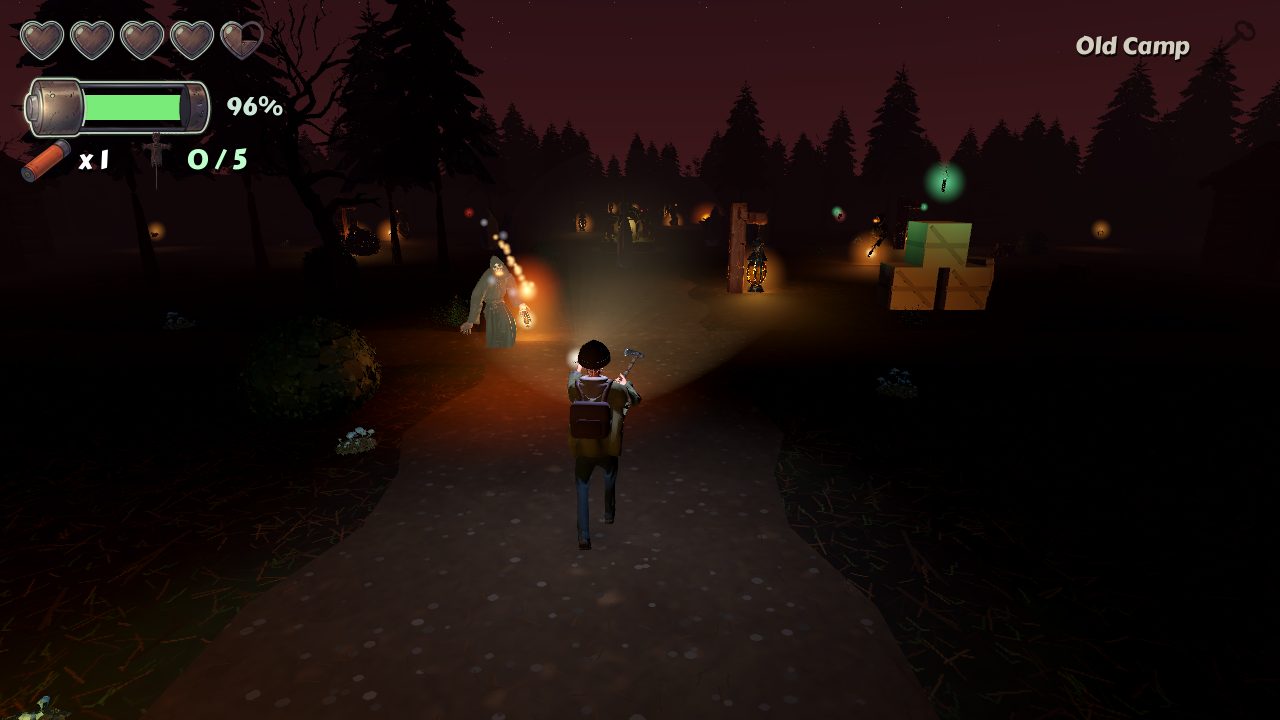
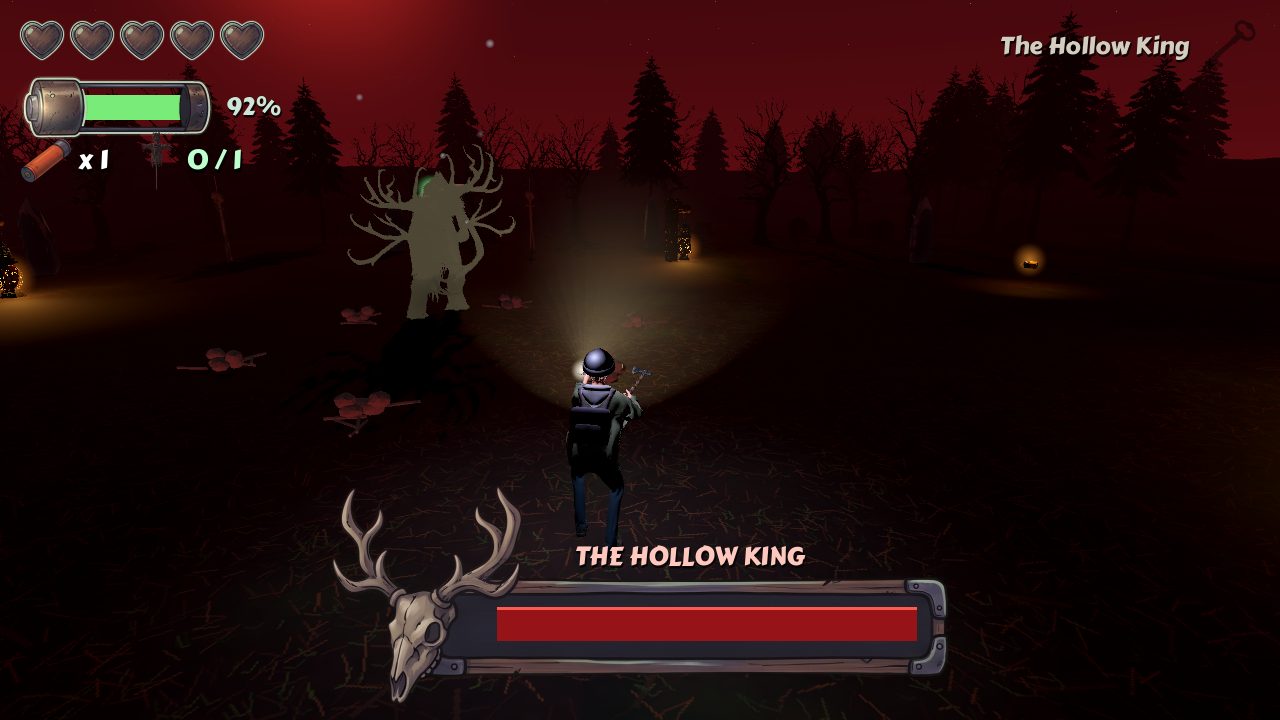
Two teens lost in a pine forest that wakes up at night. Light is your weapon: the flashlight burns the shadow creatures back while its battery runs down. Cross four levels with a hatchet, a flare gun and whatever batteries you can find, and face the Hollow King in his clearing under the red moon.

Version 1.2 · Mac (Apple silicon and Intel) 190 MB · Windows coming soon · In the browser: a desktop computer with a keyboard and mouse or a gamepad · No account needed

New in 1.2: Nora's model and animations remade: no more stretching legs or face, a calmer idle, the flashlight raised when she aims, and her feet on the ground.

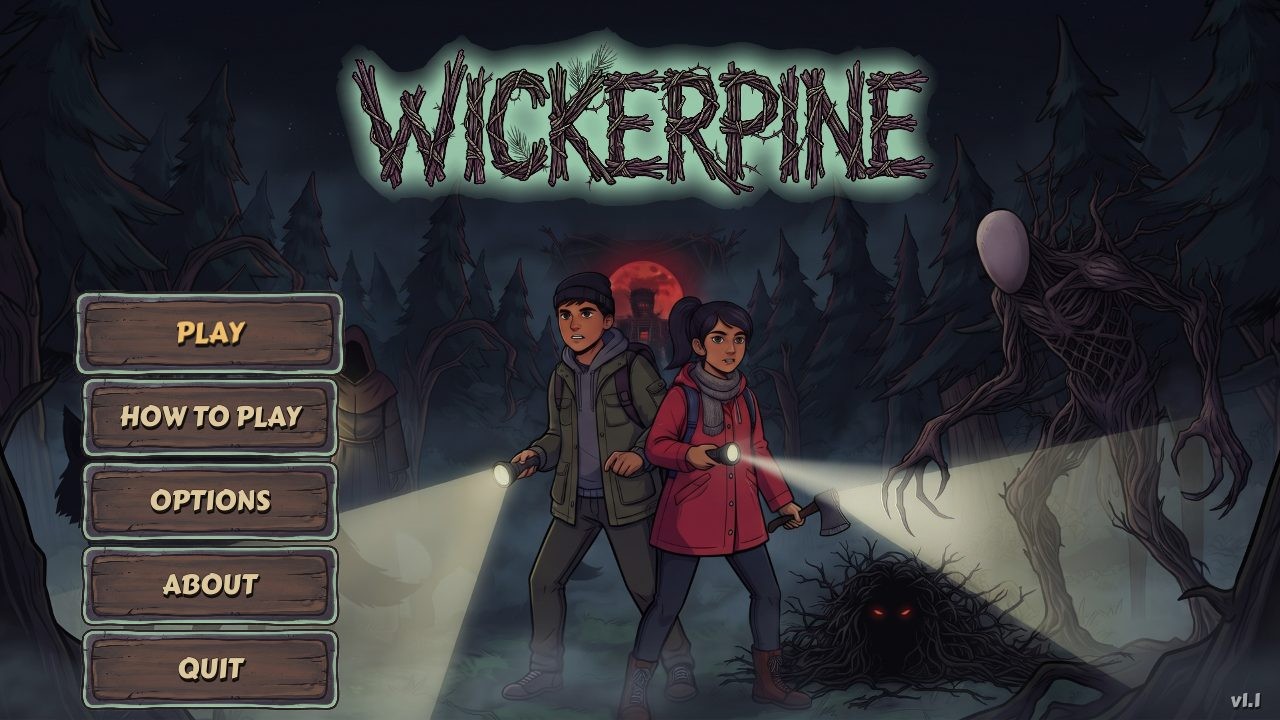
Wickerpine 3D title screen: Eli and Nora with flashlights in a dark forest

Four levels, one long night

Pick Eli or Nora and head into the woods. Light campfires to save your place, find the key to each level's way out, and look for the wicker charms the cultists hid along the paths.

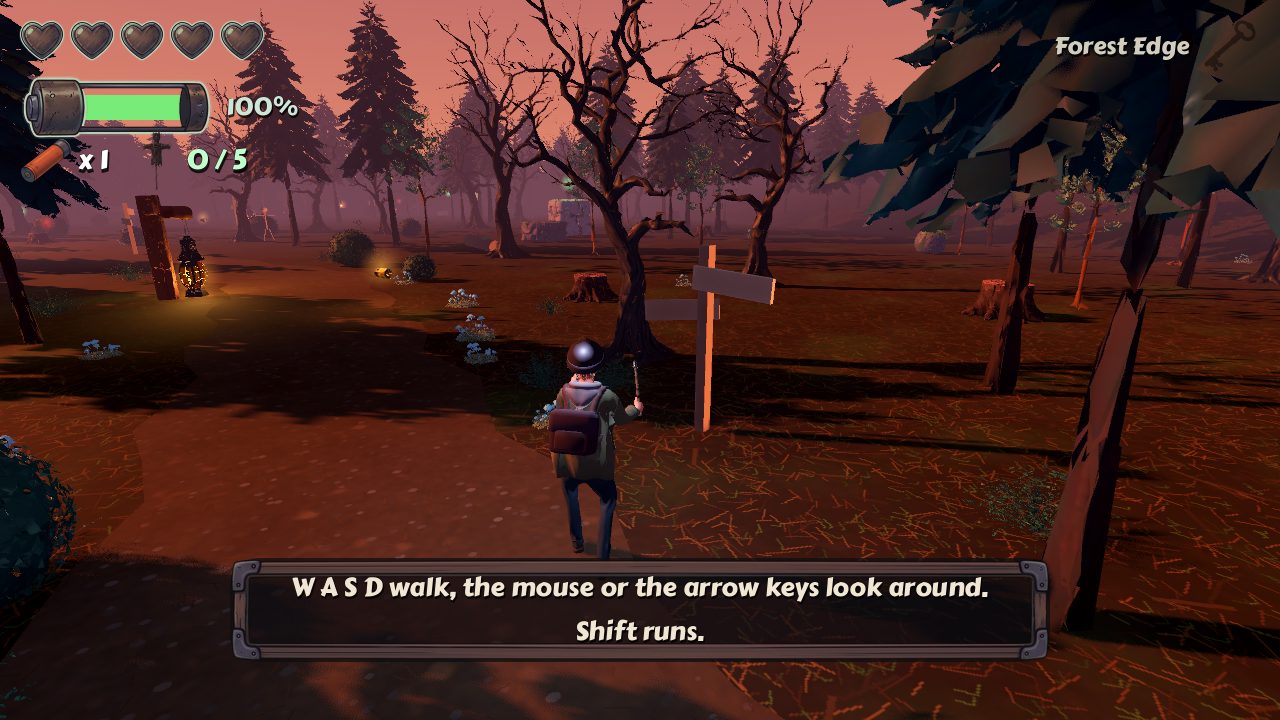
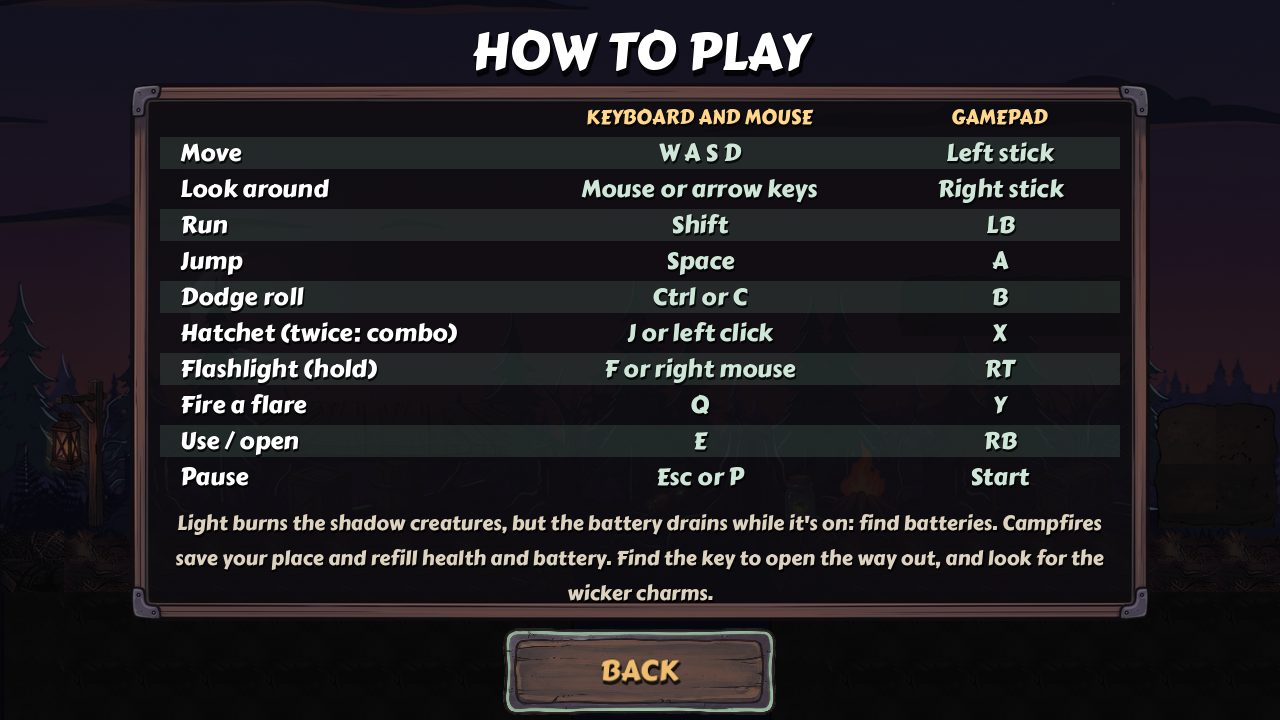
Controls

Keyboard and mouseGamepad
MoveW A S DLeft stick
Look aroundMouse or arrow keysRight stick
RunShiftLB
JumpSpaceA
Dodge rollCtrl or CB
Hatchet (twice: combo)J or left clickX
Flashlight (hold)F or right mouse buttonRT
Fire a flareQY
Use / openERB
PauseEsc or PStart
Full screenF11

System requirements

Mac: macOS 11 Big Sur or later, Apple silicon or Intel, Metal graphics.
Windows: Windows 10 or 11, 64-bit, a graphics card with Vulkan or Direct3D 12.
4 GB of memory and about 400 MB of disk space. A gamepad is optional.
In the browser: a recent Chrome, Edge, Firefox or Safari on a desktop or laptop computer with WebGL. The first load is about 13 MB, and each level loads its models when it starts.

Installing

Mac: open the DMG and drag Wickerpine 3D to Applications. It is signed and notarized by Apple.
Windows: unzip the folder anywhere and run Wickerpine 3D.exe. If Windows warns about an unknown publisher, choose More info, then Run anyway.

Made with Room 3D

Every level of Wickerpine 3D was laid out in Room 3D, our 3D room editor: trees, camps, lights and creatures placed by hand and saved straight into the game. See what Room 3D can do.

Questions

Is it really free?

Yes. No ads, no account, no purchases inside the game.

Where is my progress saved?

On your computer: unlocked levels, charms found and your options are kept between games. In the browser they are kept in that browser on that computer.

How do I look around with the mouse in the browser?

Click in the game: the browser hands the mouse to the game until you press Esc, which also pauses it. The arrow keys and a controller's right stick look around too.

Does it work with a controller?

Yes: any controller your computer recognises (Xbox, PlayStation and most others). The menus work with it too.

Something isn't working.

Write to us from the Support page and tell us your computer and system version.